
Generative AI can be great for background images in animated videos. Want a single shot walking along a path? Creating a background image can take some time to assemble, so generative AI for creating 2D images with Stable Diffusion, Midjourney, DALL-E, etc. can be a real time saver.
The following image was created using the prompt “forest with grass and flowers with a path and a creeks with an old wooden crossing bridge”. A few seconds later, and you have an image.
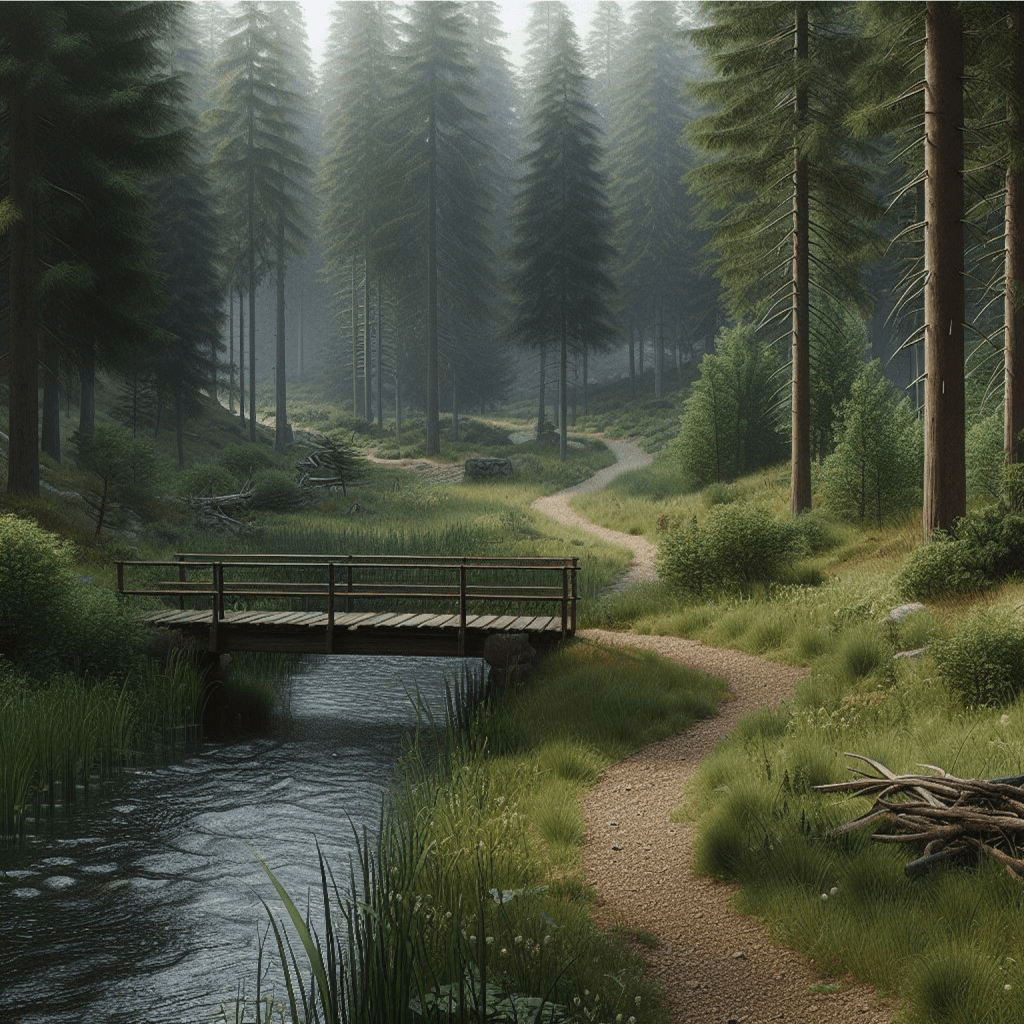
Okay, if you look at the image closely, it has some problems. For example, the creek disappears just after the bridge. This is where you would normally generate multiple images until you find one you are happy with.
For some shots, you can just put a character in front and you are done. As long as the camera does not move (including zoom), you just position and scale the character and it’s good enough.
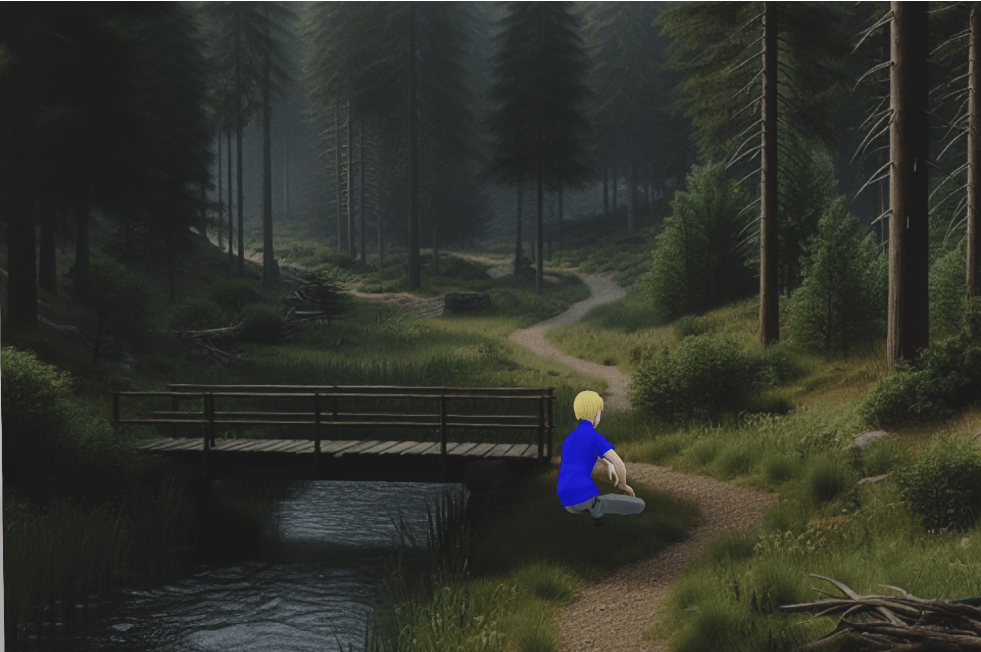
What does it look like in reality? It’s a flat plane with the character in front, with appropriate scaling and camera positioning.
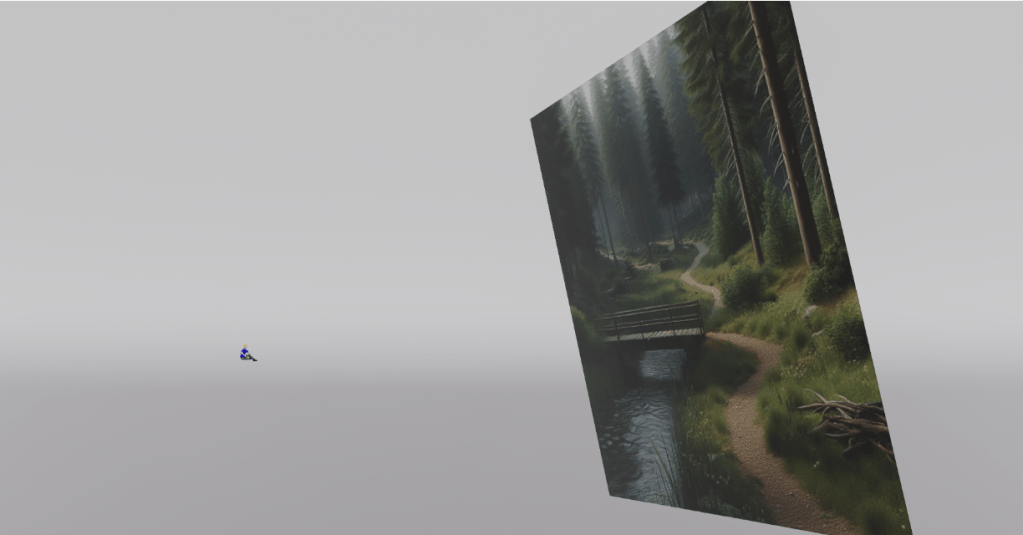
As soon as you try to move the camera or zoom, things don’t work well. Moving the camera forwards makes the character slide off the screen. (This could be reduced by putting the character closer to the background plane image.)
Clearly this was an extreme example, but even if you are careful, your eyes can quickly detect something is “not quite right”. Your eyes have been trained to be especially good at detecting depth.
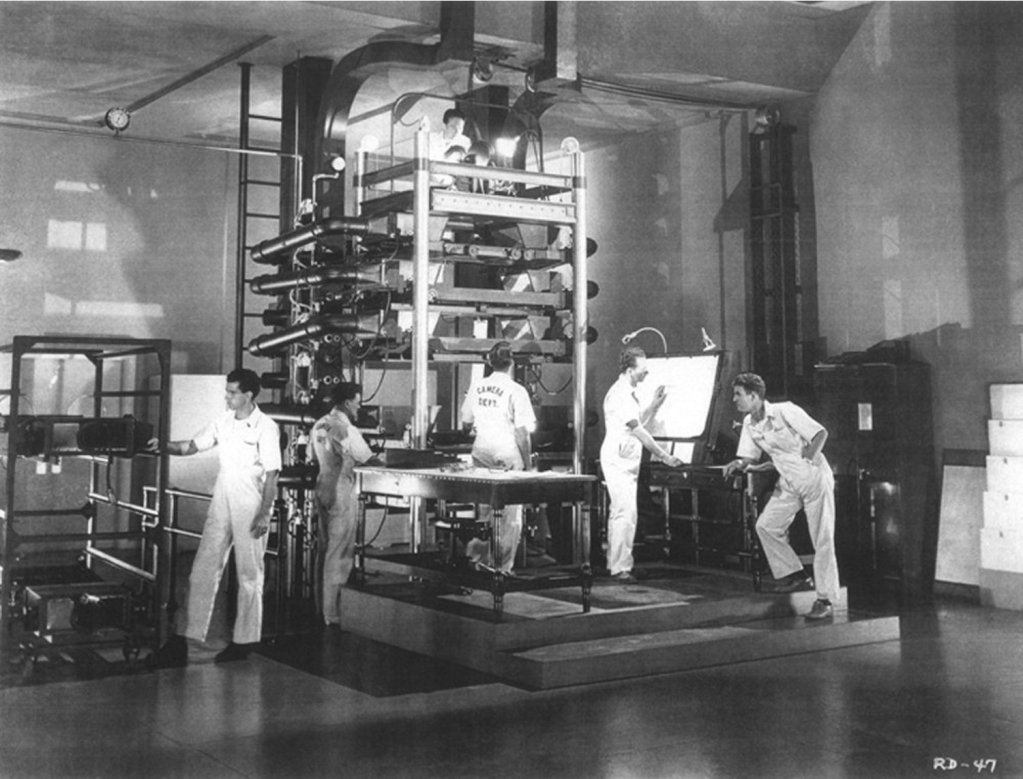
Cartoons often address the depth perception problem using a few layers of images with transparency. Layers closer to the camera move more rapidly than layers further away. Your eyes can sense that it is fixed layers, but it’s still better than a single layer of image. In the old days, this was done with layers of glass and physical cameras.
But there is another modern approach. Generative AI can also be used to generate depth maps for images. Light colors for things close to the camera, dark colors for things further away. ZoeDepth is one such tool. Provide it an image, and it will generate a depth map image using generative AI.

You then use this information to take a plane with an image on it and “push” parts of the plane away if that part of the depth map image is darker. (The character in the scene is not part of the generated background.)

ZoeDepth can has a mode to create a 3D GLB file where the image is projected for you. Pick the Image to 3D tab, upload your image, and it will show a GLB file on the right that you can then download.
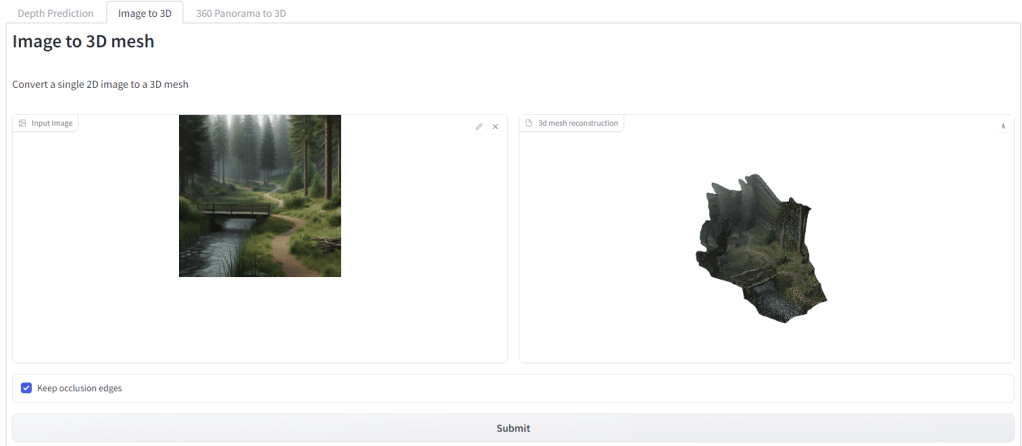
The end result is generative AI can generate a nice 2D image. It can also generate a depth map. And from that you can get a bit of depth into a camera shot. You can pan sideways a bit, zoom in a bit. Go too far and it does not look good, but it does add a bit more life to scenes. The following is rendered in NVIDIA Omniverse.
In this case I probably pushed the zoom too far as you can see stretching of the image, but it is definitely getting better and already is much quicker than building a scene up by hand.
I expect the tools will continue to get better, so I am looking forward to having a new set of tools for my 3D animation toolbox.
PS: Is it really that easy? Almost. After all this super-clever AI working out depth automatically, there is still a problem. Not all tools can read the GLB file! It took a bit of time for me in Blender following some tutorials to generate a mesh for the image to be projected onto. But after that, I could export as USD and render in Omniverse.
And then these are the texture settings I had to use – no idea why Scale U and Scale V were so different.

Added April 2024: Noticed I did not include a link to the Omniverse code I was playing with, in case interesting to anyone (warning, it’s just play code, not pretty!) alankent/ordinary-depthmap-projection/…/extension.py
 Extra Ordinary, the Series